We have released a new feature: when creating/editing a CRUD, you can specify to enable a “search by column”. Then in your data table you will have a field to search not only the entire table, but also each field separately.
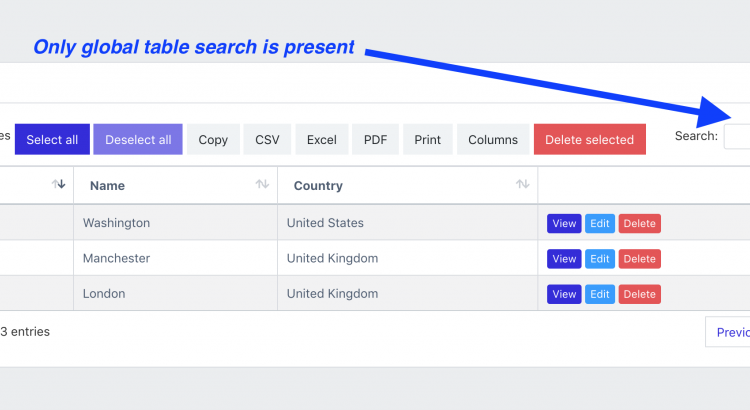
This is what the table looks like without Column search function:
And here is a quick video WITH Search by Column:
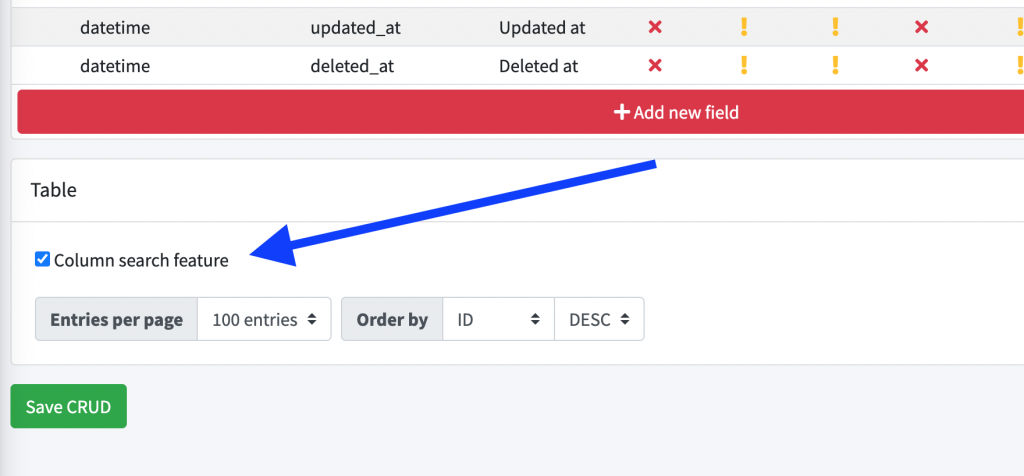
All you need to do to enable this column search is check the box when creating/editing your CRUD, at the very bottom, in the table settings:
For text fields, it will generate a text-based search entry, but for relationships or select/radio fields, you will see a drop-down list with all potential values.
For other more complex fields, like dates and file uploads, the search column will simply be empty.
Have fun searching!

